

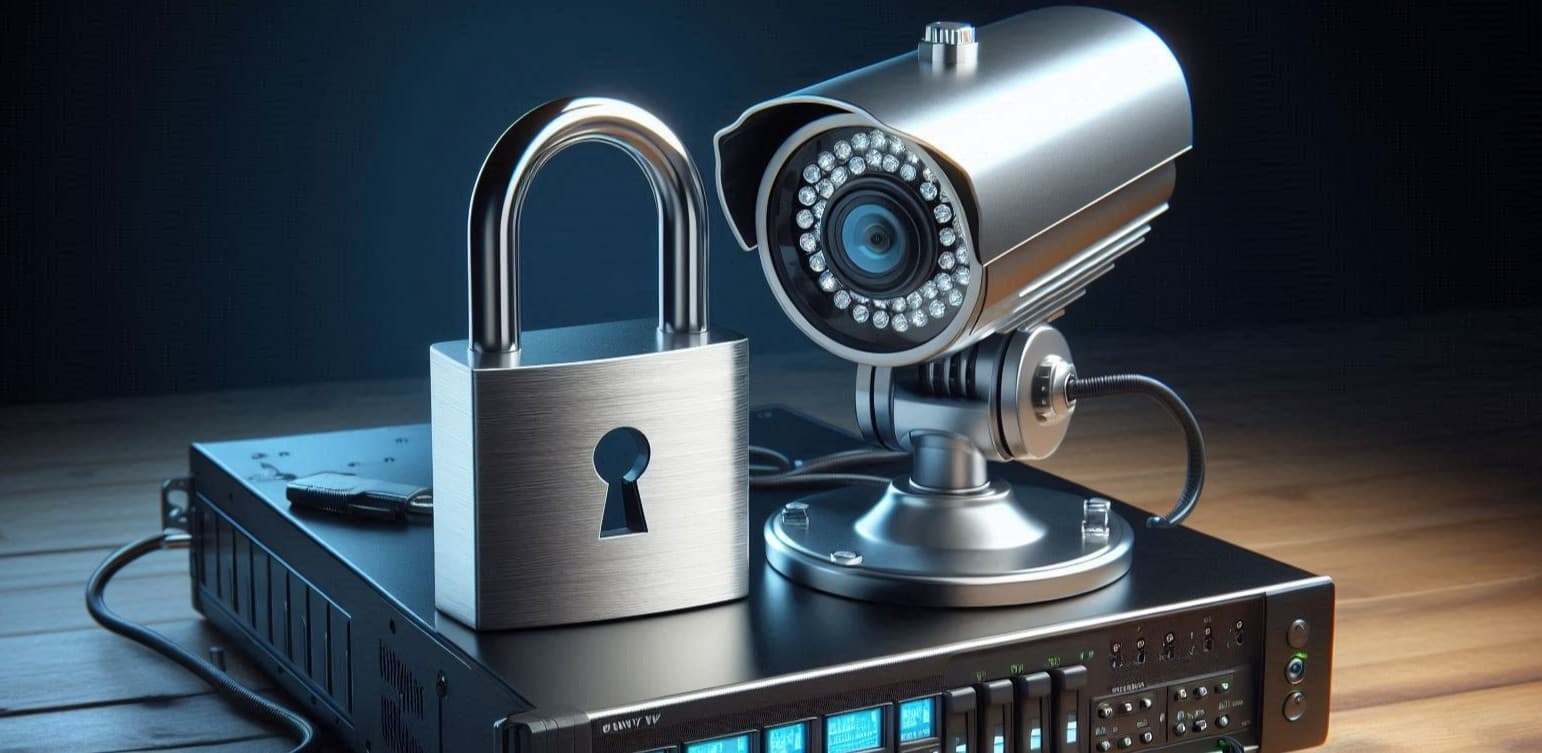
Why Data Security Matters in CCTV Systems
Your CCTV footage contains sensitive information, making it a critical asset that must be protected from unauthorized access. Just as you secure your property and physical assets, it’s equally important to secure your digital surveillance data. Without the right security measures, your system could be vulnerable to hacking, data breaches, or unauthorized viewing, putting your security at risk.
In this article, we’ll explore the best practices and essential features that help ensure your CCTV system is as secure as possible from external threats.
1. Encrypt Your Footage for Maximum Security 🔐
Why Encryption is Crucial
Encryption protects your video footage by converting it into a secure format that can only be accessed by authorized users. Even if hackers gain access to your storage system, encrypted data remains unreadable without the decryption key.
What to Look For:
- End-to-End Encryption (E2EE): Ensures that footage is protected while being transmitted from the camera to storage.
- AES-256 Encryption: A gold-standard encryption method used in military and banking security.
- Secure Cloud Storage: If using cloud storage, ensure that the provider offers encrypted transmission and storage.
2. Implement Strong User Authentication 🔑
Multi-Layered Access Control
Hackers often gain access to CCTV systems due to weak or default passwords. Implementing strong authentication measures reduces the risk of unauthorized access.
Best Practices:
- Multi-Factor Authentication (MFA): Requires an additional verification step (e.g., OTP via email or app) when logging in.
- Strong Passwords: Use complex passwords with a mix of uppercase/lowercase letters, numbers, and special characters.
- Role-Based Access Control (RBAC): Assign different permission levels based on user roles (e.g., admin, operator, viewer).
- Disable Default Credentials: Change default usernames and passwords immediately after installation.
3. Keep Your Firmware and Software Updated 🔄
Why Regular Updates Are Vital
CCTV manufacturers frequently release firmware updates to patch vulnerabilities and improve system security. Outdated systems are easy targets for cyberattacks.
Steps to Stay Updated:
- Enable Automatic Updates: Ensure that your system automatically installs the latest security patches.
- Check for Updates Manually: If auto-updates aren’t available, set a schedule to check for updates.
- Replace Outdated Equipment: Older systems may no longer receive security updates, making them vulnerable.
4. Secure Your Network and Data Transmission 🌐
Network Security is Just as Important as Camera Security
Since modern CCTV systems rely on network connections, securing your network is key to preventing unauthorized access.
Best Practices:
- Use a Dedicated VLAN: Isolate CCTV cameras on a separate network to prevent unauthorized access from other devices.
- Enable Firewall Protection: Restrict incoming and outgoing connections to only essential services.
- Disable Unused Ports: Close any network ports that are not required to reduce the attack surface.
- Monitor Network Traffic: Set up alerts for unusual access patterns or unauthorized login attempts.
5. Implement Secure Storage Solutions 📦
Choosing the Right Storage Approach
CCTV footage storage should not only focus on capacity but also on protection against unauthorized access and data loss.
Storage Security Measures:
- Use Encrypted Local Storage: If storing footage on DVRs/NVRs, ensure they support encrypted hard drives.
- Limit Physical Access: Store recording devices in a locked, access-controlled room.
- Secure Cloud Backups: If using cloud storage, ensure it includes end-to-end encryption and access logs.
- Consider Hybrid Storage: A mix of local storage and encrypted cloud backups offers better redundancy and security.
6. Restrict Remote Access 🛑
Control Who Can Access Your System Remotely
Remote access is convenient, but it can also be a security risk if not properly configured.
Secure Remote Access:
- Use a VPN: Only allow remote connections via a Virtual Private Network (VPN) for added security.
- Limit IP Access: Restrict remote access to specific IP addresses.
- Enable Access Logs: Keep a log of all remote login attempts and review them regularly.
- Disable Remote Access If Not Needed: If remote monitoring is unnecessary, disable it entirely.
7. Regular Security Audits & Penetration Testing 🔍
Stay Ahead of Potential Threats
Performing regular security audits helps identify weak points in your CCTV system before attackers can exploit them.
How to Audit Your System:
- Check User Access Logs: Look for unauthorized login attempts.
- Review Camera Feeds: Ensure footage is encrypted and hasn’t been altered.
- Run Penetration Tests: Simulate attacks on your system to find vulnerabilities.
- Update Security Policies: Regularly review and strengthen your security protocols.
Final Thoughts 🏆
A well-protected CCTV system does more than just capture clear footage—it ensures your data remains secure, private, and accessible only to authorized users. Encryption, strong authentication, regular updates, and network security are essential in preventing unauthorized access and safeguarding your surveillance system.
By implementing these best practices, you can ensure that your CCTV footage remains safe from hackers, cyber threats, and unauthorized users.
Need help securing your CCTV system? Contact us today for expert advice!